AI images with wrong text
Midjourney, GPT image or Gemini got the picture right and the words wrong. Change them without regenerating the whole image.
See how image-to-layers worksUpload the flat picture. Pixlayer gives you back every word as editable text, and the rest of the image as layers. Change what's wrong, then export PNG or PPTX.
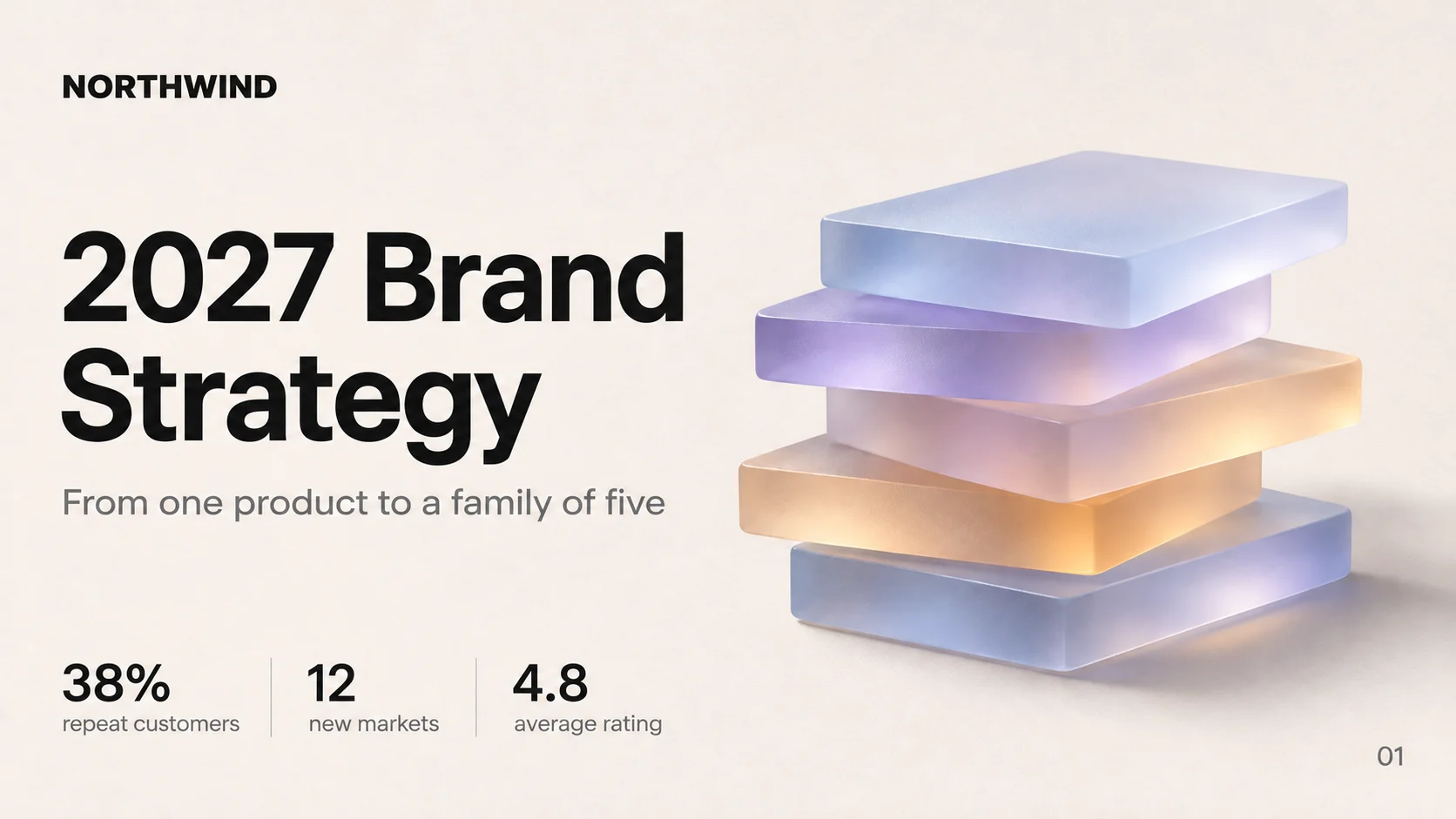
NORTHWIND
2027 Brand
Strategy
From one product to a family of five
38%
repeat customers
12
new markets
4.8
average rating
01
 Example
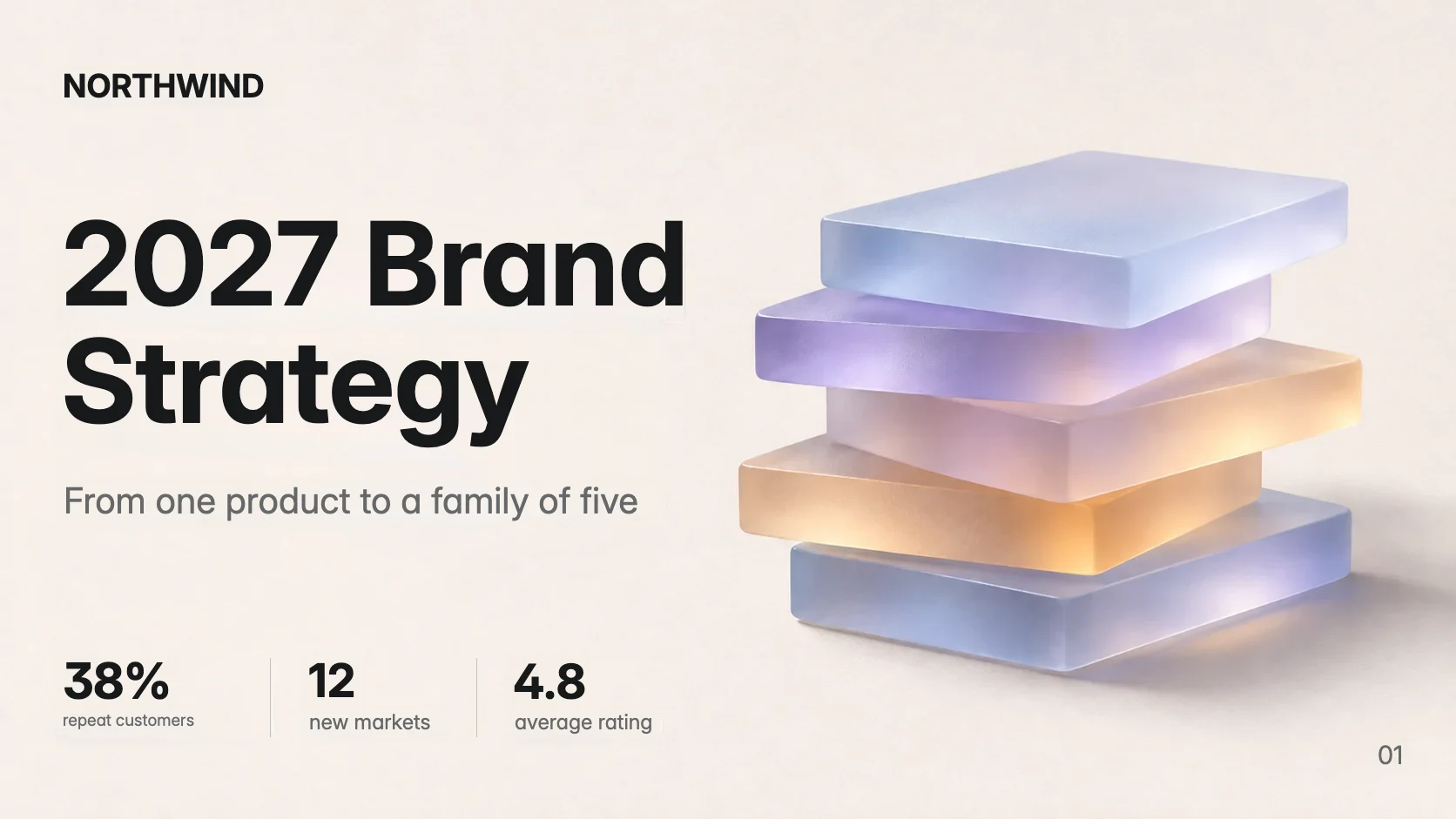
Each part of the picture comes back as its own piece, positioned exactly where it was.
NORTHWIND
2027 Brand
Strategy
From one product to a family of five
38%
repeat customers
12
new markets
4.8
average rating
01
Try it on real results
The slide from above and an AI product poster, both as Pixlayer returned them. Every word is a real text box on a cleaned background: tap one to retype it, or drag it. Edits stay on this page.
The left image is the flat source. The right is the Pixlayer result, with every line of text rebuilt as an editable text box.
Midjourney, GPT image or Gemini got the picture right and the words wrong. Change them without regenerating the whole image.
See how image-to-layers worksA deck exported as images, or a screenshot someone shared. Rebuild it as an editable PPTX with the layout intact.
See how image-to-PPTX worksDrop a PNG, JPG or WebP up to 25 MB.
Text is recognised, objects are separated and the background is cleaned.
Fix what's wrong in the editor, then download PPTX, PNG or layers.
Pay per image with credits. Current packs and any sign-up bonus are on the pricing page.